 Paidrelay
ChatGPT “Payment was not approved”: what it means and how to fix it
ChatGPT Plus paid for you
We pay your checkout link with a U.S. card. No password. Refund if we can’t pay (minus the network fee).
Order“Payment was not approved” is what many people see when they try to upgrade to ChatGPT Plus or Pro and the payment fails. It does not tell you why. In most cases your bank refused the charge, or the payment processor's risk rules stopped it, and nothing is wrong with your ChatGPT account. Below: what the message usually means, the free fixes to try in order, and what to do if none of them work.
Since June 2026 the OpenAI community forum has had several threads about “Payment was not approved” on the free Plus trial: with GoPay in Indonesia, with UPI in India (the QR code never appears), and with Visa debit cards and Apple Pay elsewhere. One user saw no charge attempted on three different methods. In the trial thread, OpenAI support asks people to open a support case, attach a HAR file of a failed attempt and share only the case ID. No cause or fix has been confirmed there. Dedicated guides: the free Plus trial, UPI in India and GoPay in Indonesia (in Indonesian).
What “Payment was not approved” means
ChatGPT subscriptions on the web are paid through Stripe. When a payment fails, Stripe returns a decline reason to the merchant, but for most refusals the person paying gets only a short, general message. Stripe's own description of the most common code, generic_decline, is “The card was declined for an unknown reason or Stripe Radar or Adaptive Acceptance blocked the payment.” Stripe also tells merchants to show suspected fraud, stolen-card and blocklist declines as a generic decline, so you cannot tell those cases apart from the screen.
In practice the refusals fall into two groups:
- Your bank or card issuer said no. International online payments switched off, a low limit for foreign merchants, a 3D Secure check that failed or timed out, not enough funds, or an automatic fraud block on an unfamiliar charge.
- The merchant's risk rules said no. Stripe lets merchants block payments by card type, for example prepaid cards, or when the card's country does not match the country of the connection. We don't know which rules OpenAI uses, but these are the kinds of checks that produce a decline with no detail.
The OpenAI community forum shows the same message in situations that are not about a classic card at all. People report it when starting a free trial offer, where the payment method is still checked, and when paying with local methods such as GoPay in Indonesia or UPI in India. If it happens with a wallet or UPI, the refusal usually came from that provider or your bank account behind it, so the same fixes apply: check limits, approvals and the app of the method you used. Separate guides cover the free Plus trial and UPI in India.
OpenAI's help centre says that paying with a payment method from an unsupported country, or using ChatGPT from one, can get an account blocked. A VPN or a foreign address does not fix a decline and can cost you the account.
Free fixes, in this order
- Turn on international and online payments. Banks in Vietnam disable international online payments by default, and in Egypt and Nigeria foreign spending on local cards is often capped. Look in the bank app under card settings or limits. A ChatGPT charge usually counts as a foreign online payment.
- Complete 3D Secure. Keep the bank app open and signed in, and approve the request as soon as it appears. If no request appears, ask the bank whether 3D Secure is active on the card. In Japan it has been mandatory for online shopping since March 2025. In India, recurring card payments also fall under RBI e-mandate rules, so approve the mandate when the bank asks.
- Match the billing address. Enter the address and postcode exactly as your bank has them. Use the same country as the card.
- Call the bank once, then retry once. Ask whether they blocked a payment to OpenAI and why. Retrying many times in a row can make both the bank and the processor more suspicious.
- Try a different card. A credit card often works where a debit card fails. A card from a larger bank, or a card meant for foreign spending, helps too. Use your own card: forum users report problems when one card pays for several accounts, which our “Your card has been declined” guide covers.
- Use a local method where it is offered. OpenAI's help centre says credit and debit cards are accepted in all countries and lists local options in some of them: UPI in India, Pix in Brazil, GoPay in Indonesia, Kakao Pay, Naver Pay and local cards in Korea, and Link bank debit in the UK and EEA. If your checkout shows one of these, it avoids the international card problem entirely.
- Consider ChatGPT Go. Go is a cheaper plan below Plus. It launched in India in August 2025 at ₹399 with UPI, and has been offered worldwide since 16 January 2026 at about $8 a month. A smaller charge, or one in local currency, sometimes passes where a Plus charge fails.
Many people stop here. If your bank says it approved nothing and blocked nothing, and no local method is offered in your country, the problem is usually the card itself, and another of your cards will often fail the same way.
When nothing works: we pay the checkout link with a U.S. card
Paidrelay pays ChatGPT on your own account. You open the ChatGPT upgrade, copy the checkout link and send it to us with your order. Our person in the U.S. pays it with a U.S. card. You never give us your password, and the plan appears on your account the same way as if you had paid.
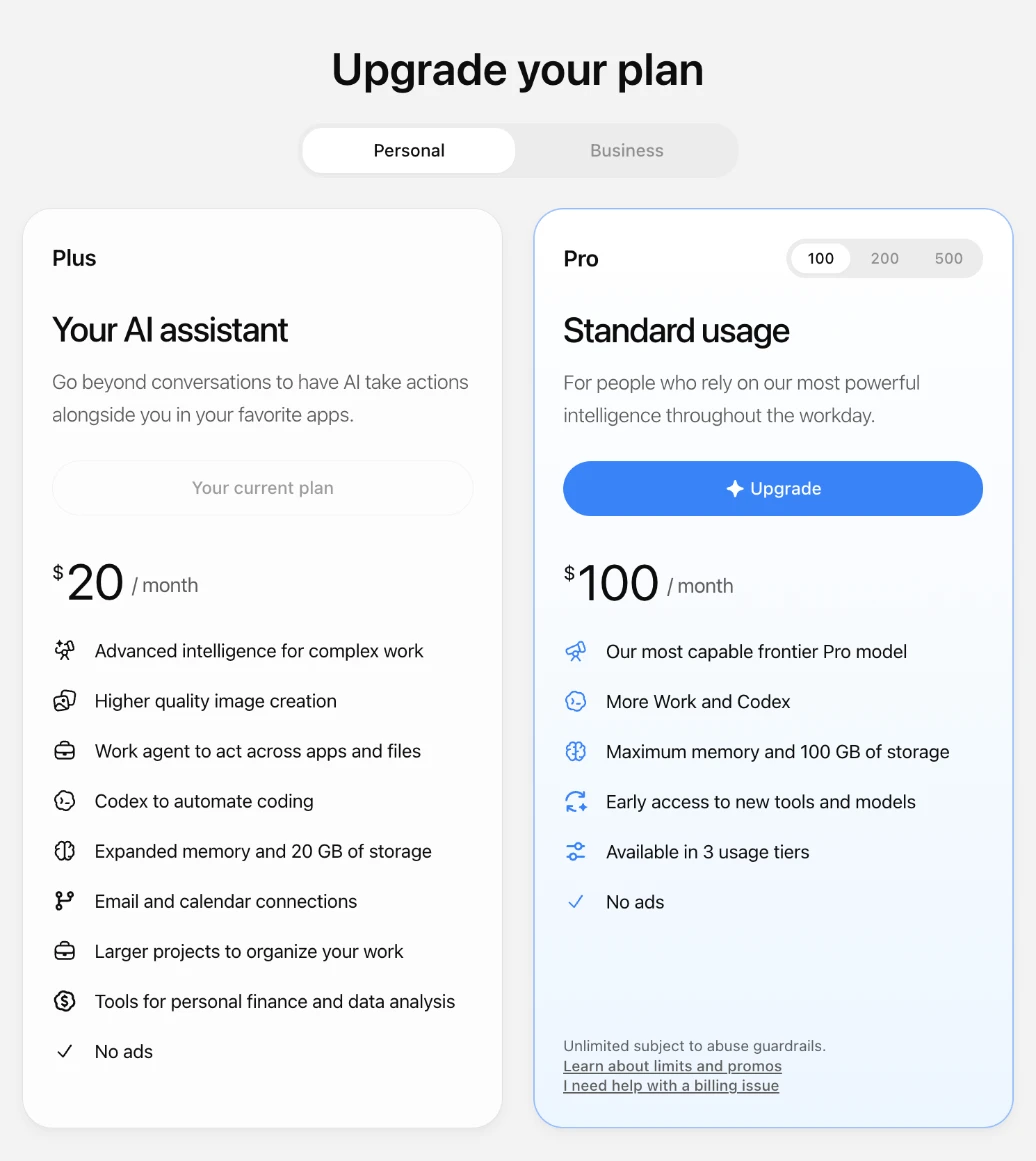
The total is the plan price plus our 5% fee, as one number: ChatGPT Plus for one month is $21.00, ChatGPT Pro for one month is $210.00. You pay in crypto; paying in crypto explains the steps.
The trade-off, stated plainly:
- Our card stays on your subscription until you change it in your ChatGPT billing settings.
- It is monthly. Each renewal is a new order with us. We do not keep paying in the background.
- Checkout links expire. Stripe checkout links last up to 24 hours by default, so send the link when you place the order, and expect us to ask for a fresh one if it runs out.

Delivery is usually within 2 hours of payment confirmation, between 09:00 and 21:00 UTC, and at most 24 hours. If we can't complete the payment for your plan, we refund the full amount you paid, in the same coin, minus only the network fee of the refund transfer. We do not sell API credits or ChatGPT Business seats. More detail on how it works and in the FAQ.
What paying looks like
Screens from our checkout: an example ChatGPT Plus order paid in USDT. The address is blurred here; yours appears in your invoice.
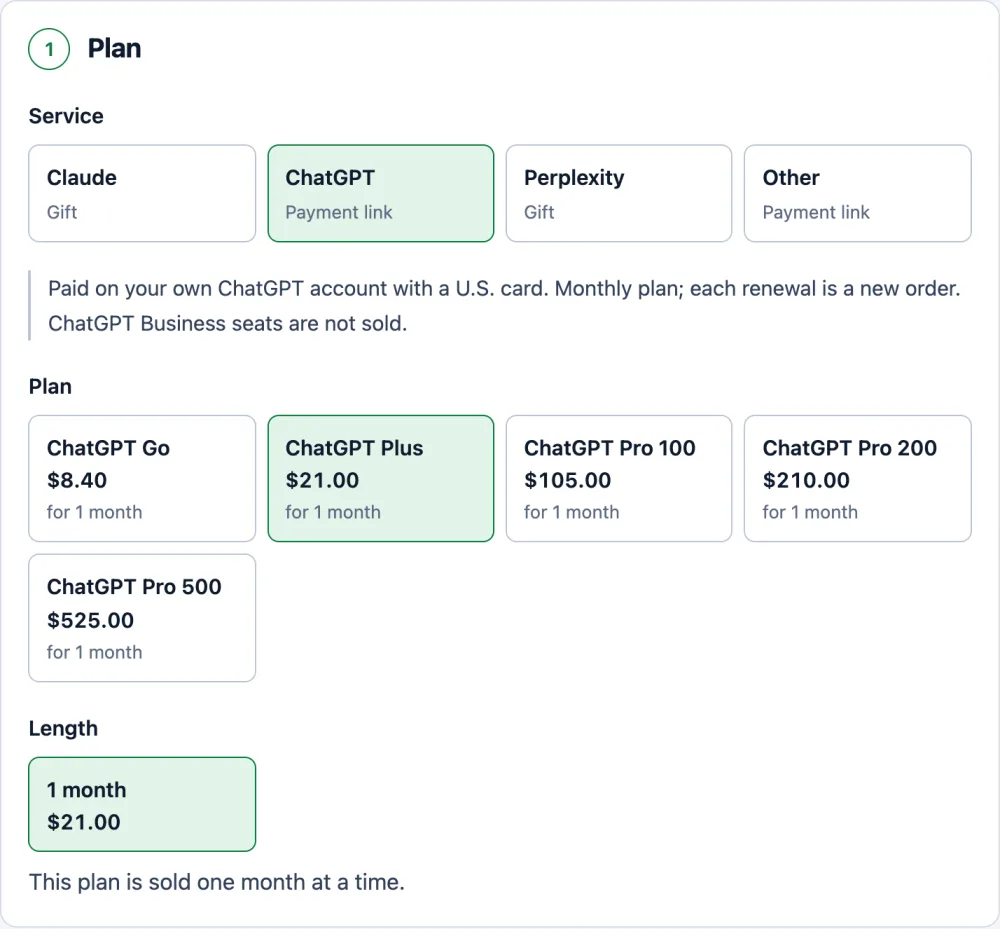
Pick the plan. The price already includes our 5% fee. 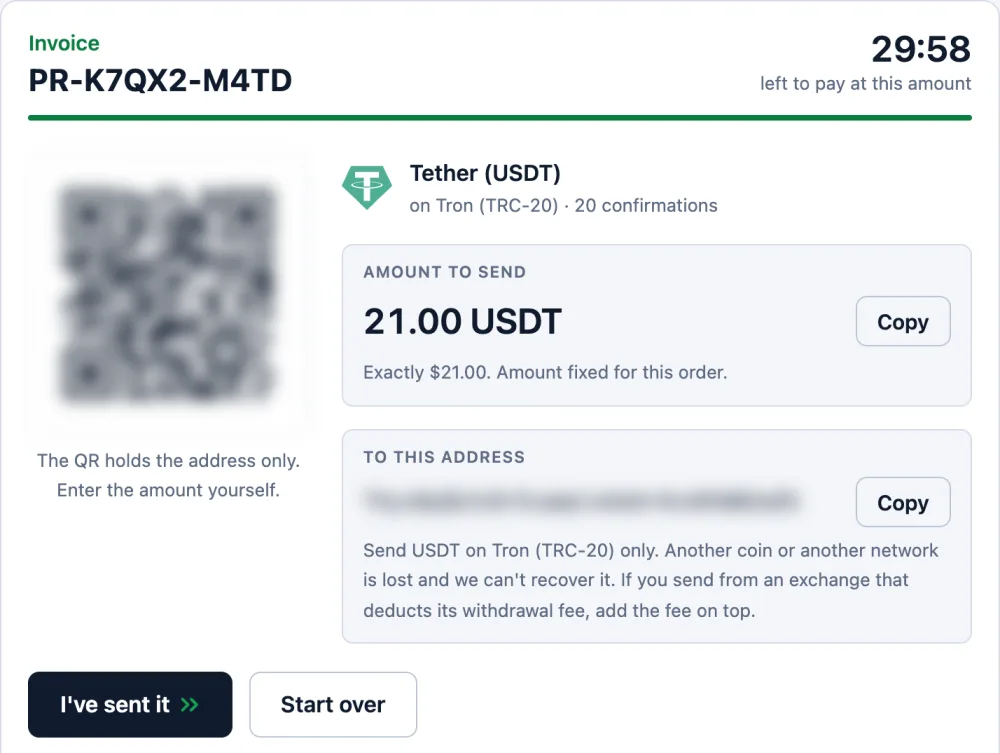
One exact amount and one address, held for 30 minutes. 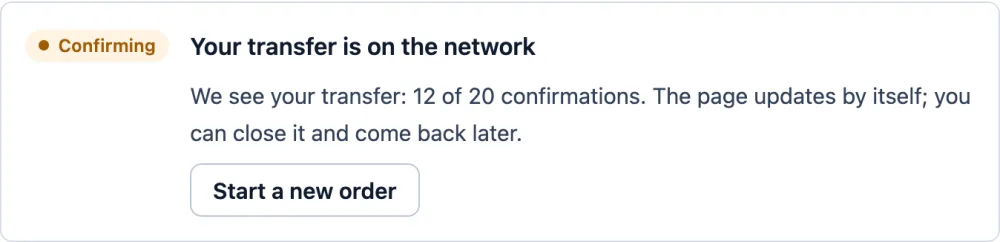
Once you send, the page shows your transfer and counts the confirmations. 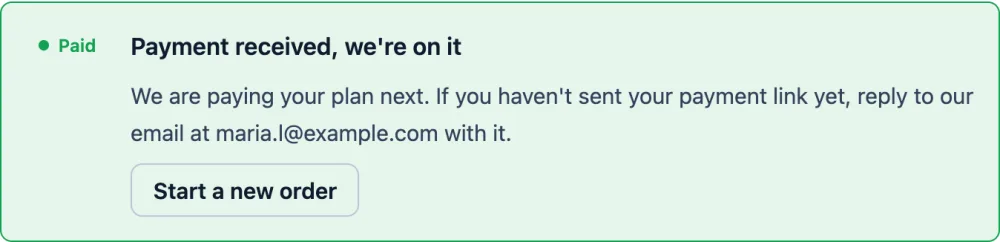
Confirmed: the order is paid and we pay your plan. We email you at this step.
ChatGPT Plus paid for you
We pay your checkout link with a U.S. card. No password. Refund if we can’t pay (minus the network fee).
OrderQuestions
Why does ChatGPT say Payment was not approved when my card works elsewhere?
Domestic payments and international online payments are often handled by different settings and limits at your bank. A ChatGPT charge in U.S. dollars counts as an international online payment, and it can also be stopped by the payment processor's risk rules.
Is my ChatGPT account banned if the payment was not approved?
No. A refused payment by itself does not mean anything happened to your account. It means the charge did not go through.
Can I pay ChatGPT Plus with UPI, Pix or GoPay?
OpenAI's help centre lists UPI in India, Pix in Brazil, GoPay in Indonesia and Kakao Pay or Naver Pay in Korea. You will only see them at checkout in those countries.
If you pay for my ChatGPT Plus, will it renew automatically?
Each renewal is a new order with us. Our card stays on your subscription until you change it in your ChatGPT billing settings.
What if you cannot pay my checkout link?
If we can't complete the payment for your plan, we refund the full amount you paid, in the same coin, minus only the network fee of the refund transfer.